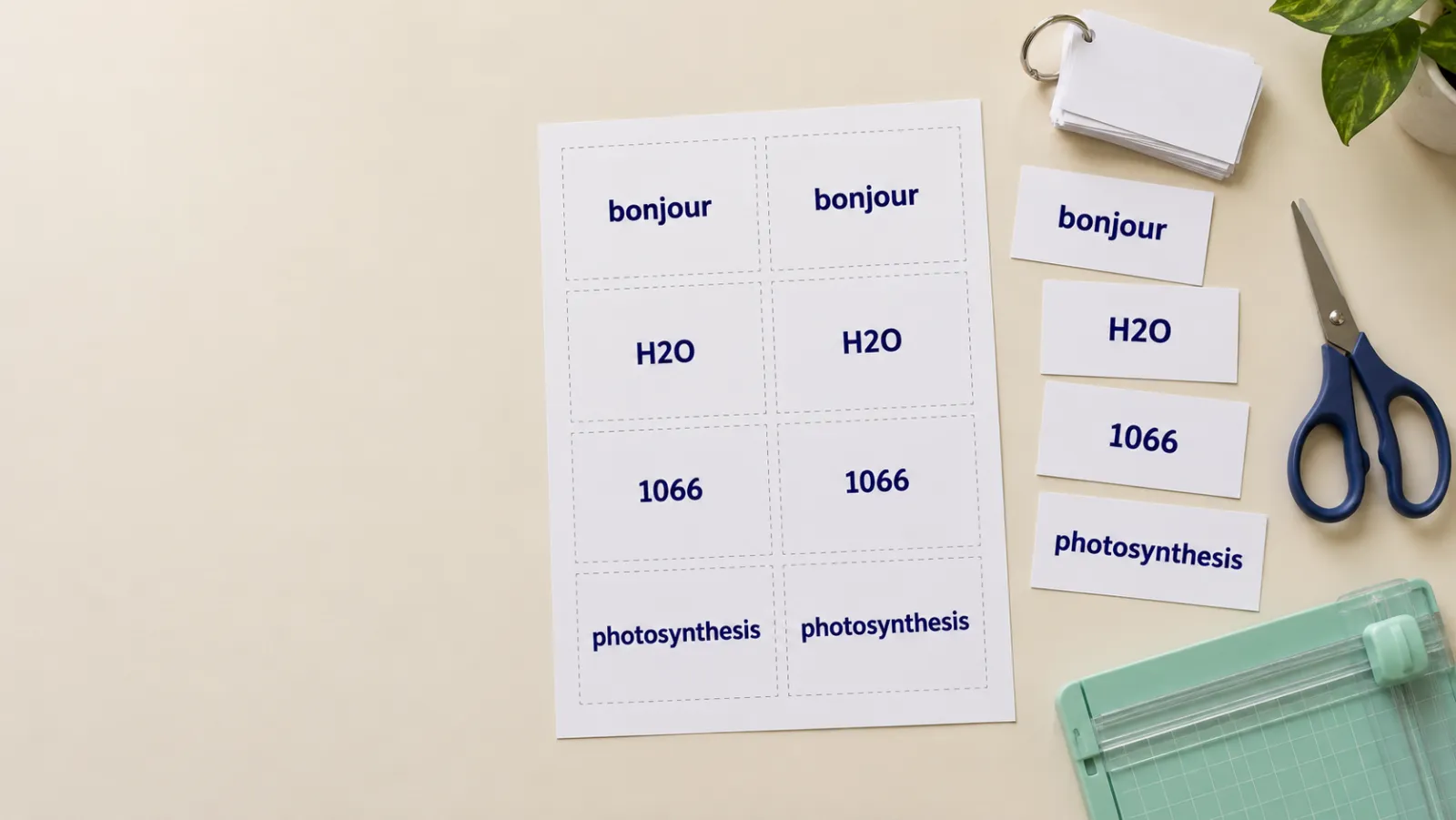
Printable Flashcards
Print layout
One big word per card — the classic drill card.
Paper
3 cards · 8 per page · 1 page
Print preview — page 1 of 1
Ready-made sets
In short
- Your own words: one card per line, answer after a
|. Up to 400 cards. - Three layouts: front only, answer in the corner, or double-sided with mirrored backs.
- 8 cards per page with dashed cut lines, sized for US Letter or A4.
- Study online too: flip and shuffle here, or save the set as a free deck with spaced repetition.
Paper or screen?
Paper cards are hard to beat for young children, classroom games and quick drills away from a screen. Online decks win when the list is long: the app tracks which cards you miss and shows those more often, which saves a lot of time over reviewing every card every day. You don’t have to choose — print the set and save it as a deck from the same page.
Starting from notes or a textbook instead of a list? Turn a PDF or your notes into flashcards with AI. Need empty cards to fill in by hand? Use the blank flashcard template.
Frequently Asked Questions
How do I make my own printable flashcards?
Type one card per line in the box. To add an answer, put it after a vertical bar — for example “photosynthesis | how plants make food from light”. The cards appear instantly; choose a layout and paper size, then click Print / Save as PDF.
How do double-sided flashcards line up?
With “Double-sided”, every page of fronts is followed by a page of backs that is mirrored left-to-right. Print two-sided with “flip on long edge” and each answer lands behind its own question.
What size are the cards?
Eight cards per page in a 2 × 4 grid: about 9.5 × 6.9 cm on A4, or 3.8 × 2.5 inches on US Letter — close to a standard index card. Text shrinks automatically for longer words.
Can I save the flashcards as a PDF?
Yes. Click Print / Save as PDF and choose “Save as PDF” as the printer. Only the cards are printed — no page text or buttons.
Can AI make the flashcards for me?
Yes. If you have notes, a PDF or a topic rather than a word list, the AI flashcard maker writes the questions and answers for you. You can then study them online or copy them here to print.
Is it free?
Yes — free, no signup, no watermark, as many cards and pages as you like.