Quizlet import and Anki export
Import your Quizlet set. Take it to Anki.
Paste the text from Quizlet’s Export, check every card in a preview, and get a deck you can study here or download as an Anki .apkg. The first import and the first export are free.
- Tab, comma, dash or custom separators, multi-line definitions
- No account for your first import, no quizlet.com scraping
- Opens in Anki as a normal deck, nothing to configure
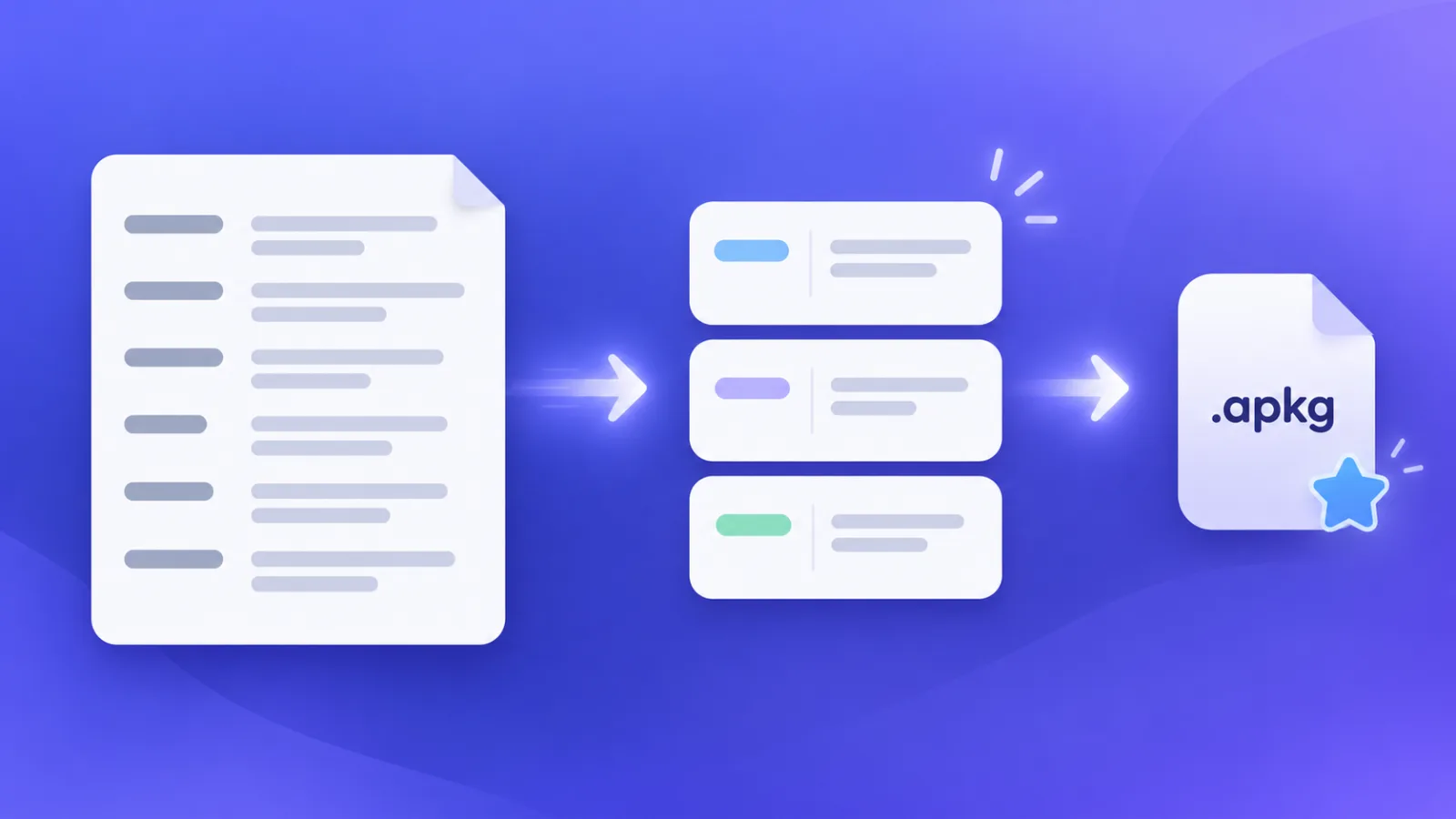
How to import Quizlet flashcards
- 1
Export in Quizlet
Open your set on the Quizlet website. In the three-dot menu choose Export. Keep Tab between term and definition and New line between cards (or pick your own), then copy the text.
- 2
Paste it below
Paste the text into the box. We detect the separators, show every card and let you swap sides or remove a card before anything is saved.
- 3
Study it, or take it to Anki
Your deck opens with Learn, Quiz and spaced review. Choose Export to Anki on the deck page for an .apkg file that opens in Anki with one click.
1Paste your Quizlet export
No Quizlet export? Start from a PDF or notes
Have lecture slides, a textbook chapter or a PDF study guide instead? Turn it into flashcards with sources and page references. Your first PDF import is free with a free account.
Questions
How do I import a Quizlet set into Anki?
Export the set from Quizlet (three-dot menu, Export), paste the text into the box on this page, check the preview and save the deck. Then open the deck and choose Export to Anki to download an .apkg file. In Anki, choose File, Import and pick that file. Your first export is free.
Where is the export option in Quizlet?
On the Quizlet website, open the set and look for Export under the three-dot menu next to the Share button. Choose what goes between a term and its definition and between cards, then copy the text. Quizlet changes its menus from time to time, and the option is not offered in every app, so use the web version. This page reads whichever separators you picked.
Can I paste a quizlet.com link instead?
No. We do not fetch or scrape quizlet.com. You paste text that you exported yourself, so you stay within Quizlet’s terms and nothing about your account is shared with us.
Is the Quizlet import free?
Yes. Your first import is free, up to 50 cards, and you do not need an account. Later imports, or sets larger than 50 cards, are part of Pro.
Which separators does it understand?
Tab, comma, dash, semicolon and any custom text, both between term and definition and between cards. It also reads spreadsheet-style quoted fields, joins multi-line definitions and skips blank lines. Auto-detect picks the separator for you, and the preview shows exactly what will be saved.
Do images and audio come across?
No. Quizlet’s text export contains terms and definitions only, so images and recordings from the original set are not part of it. Text cards, including formulas written as text and any language Unicode can represent, import cleanly.
Is my text uploaded anywhere?
The text is read and previewed in your browser. When you save, the deck is stored in this browser, or in your account if you are signed in, like any deck you create here.
Switching between Quizlet and Anki?